
Team AI OOMOL
After Meta Muse: Why Personal and Enterprise Agents Need to Know You
What Meta Muse reveals about connected AI agents, and how Leina brings memory, Apps, Skills, and permissions into team work.
Use AI in team chat, connect business apps, and manage data access.
What Meta Muse reveals about connected AI agents, and how Leina brings memory, Apps, Skills, and permissions into team work.

Call Jev directly from Leina chat. Explore five workflows for product listings, customer feedback, stocks, futures, gold research, and browser tasks, with prompts to try.
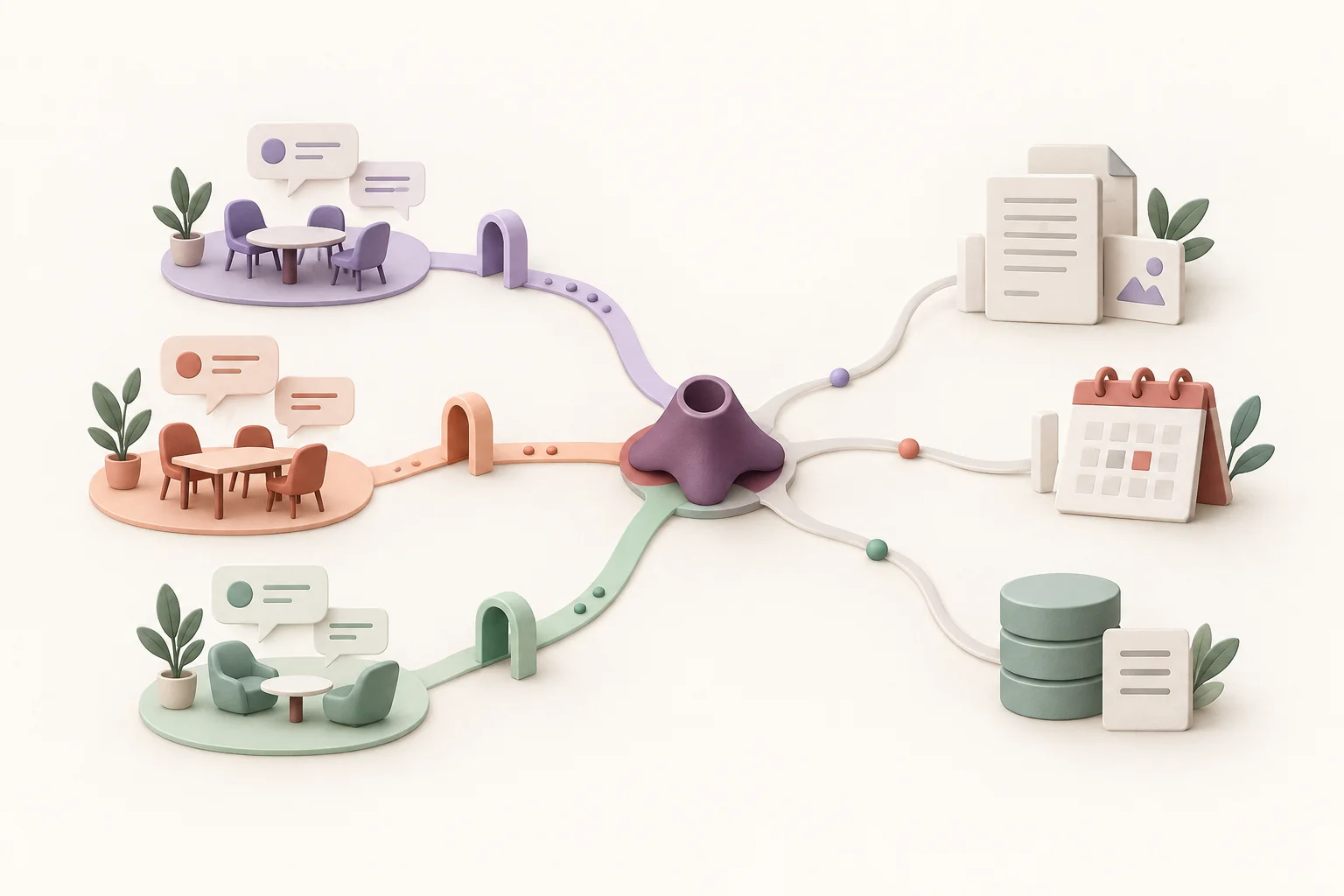
Use one Leina instance across chat platforms, connect business apps through the OpenConnector authorization gateway, and assign access permissions to members and groups.
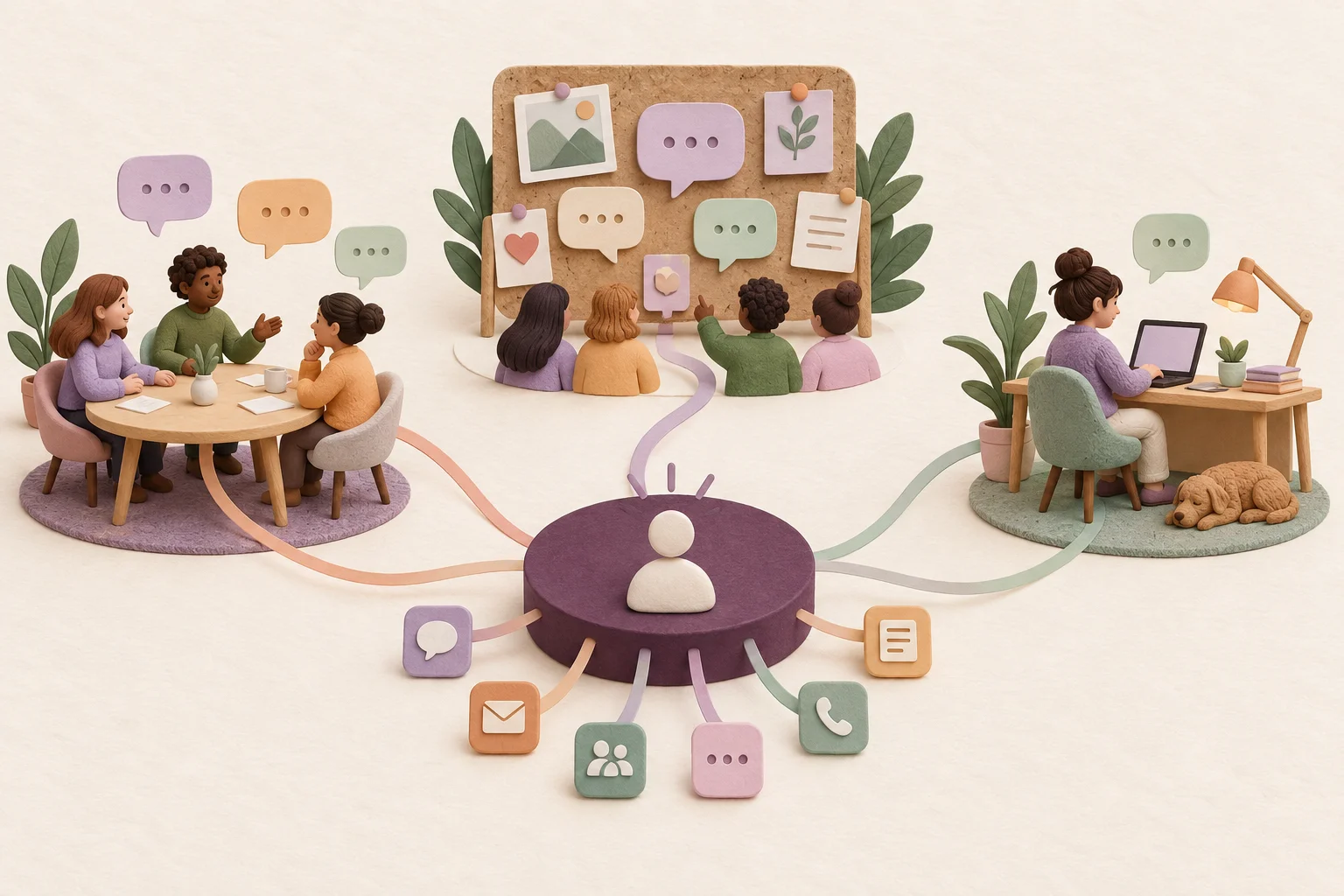
Use one Leina instance across supported chat platforms such as WeCom and Discord. Learn how chat entry points, business-app connections, and permissions work together.

Explore Leina’s OpenConnector authorization gateway, the difference between providers, actions, and account permissions, and how to verify a connection with a read-only task.

Plan Leina team permissions around people, app connections, data, and actions. Use an example access matrix, check output audiences, and review access when responsibilities change.