



From Inquiries to Daily Briefings: What Leina Workflows Can Do
See how inquiry processing and scheduled briefings can become repeatable tasks, with human review at key steps.
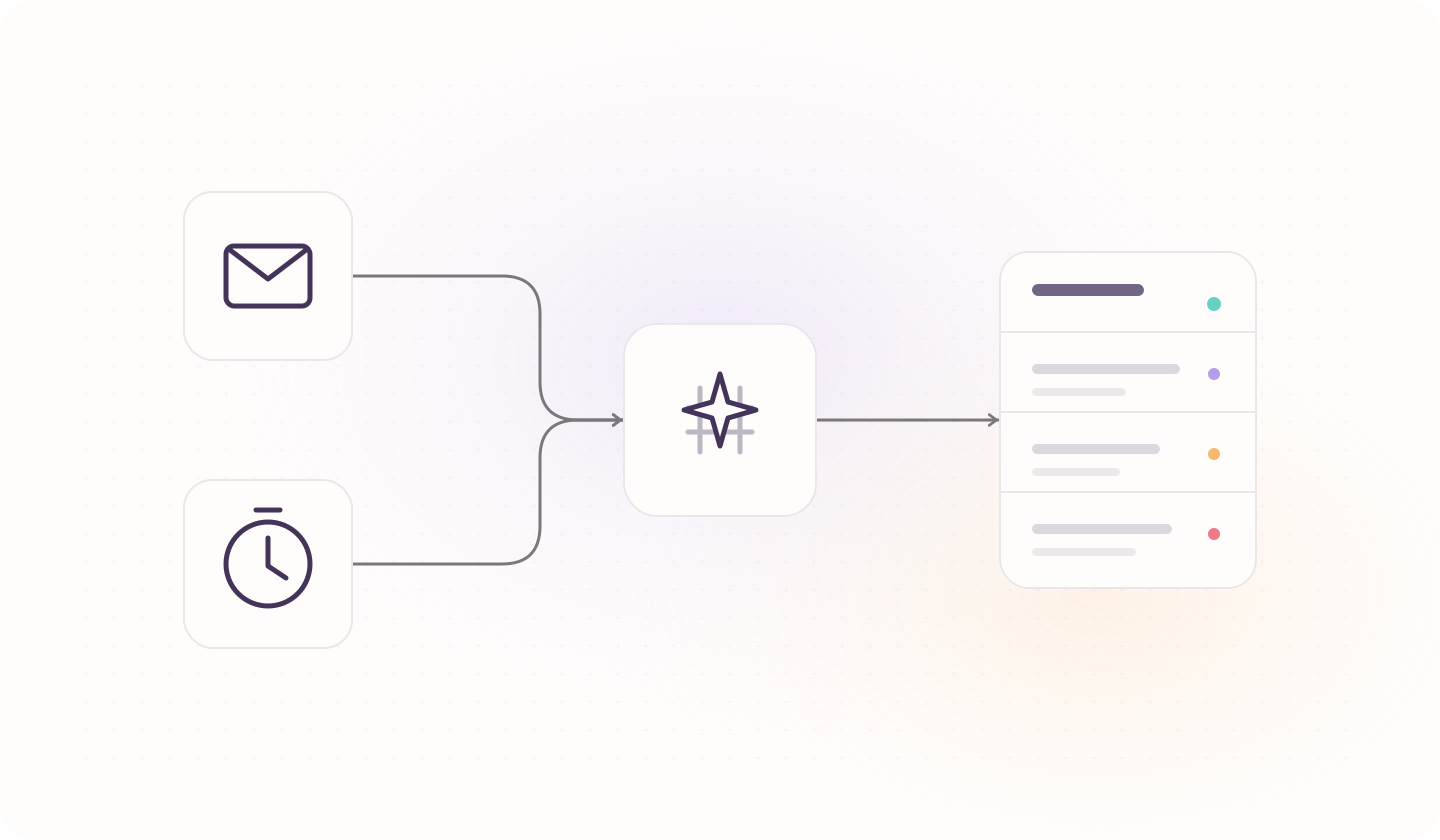
Reading new inquiries, copying details into a customer table, and checking several sources for a daily briefing all take time. The steps are often familiar, even when the information changes.
Leina workflows let you arrange those steps once and reuse them. A new email or an agreed time can start the work, with results saved where your team needs them.
Get an inquiry ready for follow-up
Imagine a buyer asks for 500 storage cabinets for the European market and wants to know about styles, packaging, and delivery timing.
Before replying, sales needs to understand the request, find any existing customer record, and identify missing details. A possible workflow would:
- Extract the customer, product, quantity, and questions from a new inquiry.
- Look up the customer and associate or create the agreed record.
- Save the inquiry in the chosen spreadsheet or customer management system.
- Notify the owner and, if needed, prepare a reply draft.
The owner can start with a clear summary: storage cabinets, an initial 500 units, European market, styles and delivery requirements to confirm. The destination country, exact model, and requested arrival date remain open questions if the email does not provide them.
This is an illustrative configuration, not a completed customer implementation. Reading, writing, and notifications depend on connected apps and account permissions.
For an example covering inquiry summaries, quotation evidence, and reply review, explore Inquiry Follow-Up.
Have a briefing prepared on schedule
Recurring information gathering is another useful starting point:
Every workday at 9 a.m., read new content from selected sources, filter updates relevant to our business, summarize them with original links, save the briefing, and notify the team.
Define the sources, selection criteria, and destination, then configure the schedule. Reusing these requirements reduces the time spent opening sources and copying updates each morning.
The same approach can support daily inquiry summaries, weekly customer follow-up lists, and business report drafts. Each output relies on data the workflow can access; additional sources need to be connected first.
Reuse the requirements as the information changes
Every inquiry is different, but the fields, destination, and notification recipient can stay consistent. Daily updates change, while the briefing criteria and format can remain the same.
You can define how different cases should proceed: update an existing customer, flag missing information, or hand a decision to an owner. Adjust those rules when the business changes. AI can read varied email formats, extract needs, and summarize content; explicit rules determine the next action and destination.
Keep a review step for important actions
Let the workflow organize the inquiry and prepare a draft. Before sending, an owner can check prices, stock, and delivery commitments. Add an approval step where needed.
Leina workflows are built on our own product, Open Flow, which provides app connections, scheduled and event-based starts, execution records, and approval capabilities so the steps and results can be inspected.
Start with one repeated task
Open the workflow entry under More Tools in Leina. Choose a task with clear steps and write down when it starts, which sources it reads, what rules apply, where results go, and which actions need review.
Test the result, destination, and permissions before publishing and enabling automatic runs. Start with inquiry organization or a daily briefing, then add steps once it works as expected.

Give Leina Your Next Task
Start with an everyday task. Assign it in team chat and get the results there.
Create Your LeinaNew users can claim a 3-day free trial
Browse Supported Integrations