



AI Chatbot vs. AI Employee: Why the Real Divide Is Execution and Verification
Most AI assistants generate plausible code and hand the debugging back to you. Here is why the real divide between a chat window and an AI coworker comes down to sandboxed execution and verifiable delivery.
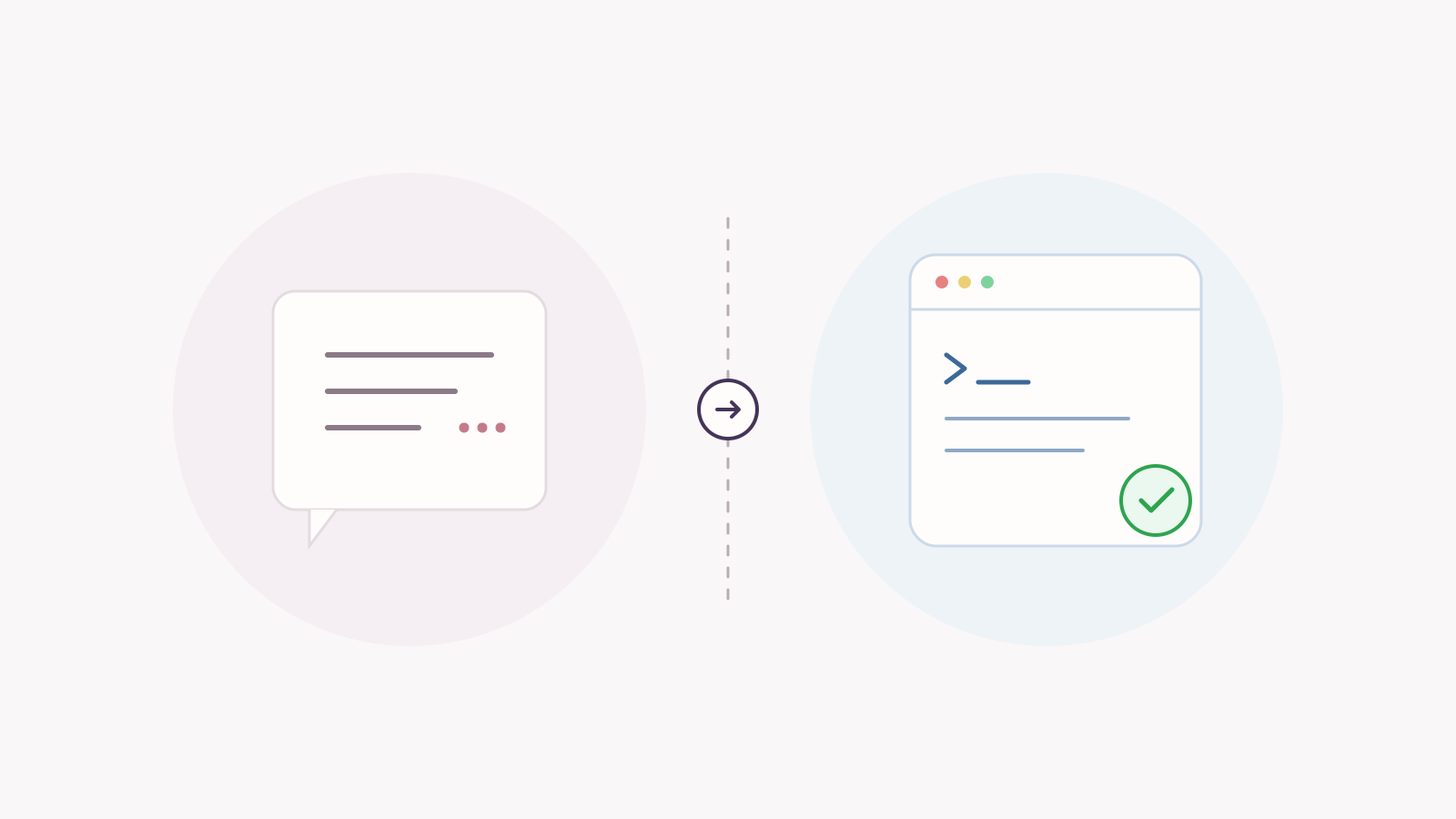
Conceptual illustration: standard chatbots stop at generated text, while executable AI employees run, inspect, and verify work in a secure runtime.
Every team using AI has lived through this scene:
You ask for a script to pull last week’s organic search traffic. The model responds almost instantly with 50 lines of pristine Python, complete with docstrings, type annotations, and helpful comments. Then comes the inevitable sign-off:
“You can copy and run this snippet in your local terminal. Make sure you have the dependencies installed. Let me know if you hit any errors!”
The work is not done. It was just punted back to you.
The easiest part of the job—typing out the syntax—is finished. But the actual friction—setting up the virtual environment, storing secrets securely, debugging ModuleNotFoundError, wrestling with an unexpected API rate limit, and checking if the output CSV actually saved—is still entirely on your plate.
If an assistant requires a human operator for every single execution and validation step, it is not an employee. It is an interactive manual.
The Two Foundational Divides
To see why so many AI initiatives stall out in daily operations, we have to look past the prompt window and look at the underlying architecture.
Chatbot vs AI Employee Execution Flow
flowchart TB
  accTitle: Chatbot vs AI Employee Execution Flow
  accDescr: Contrasting an ephemeral text generation loop with an autonomous execution, verification, and artifact delivery loop.
  subgraph Chatbot["Standard Chatbot Loop"]
    P1("User Prompt") --> LLM1("LLM Inference")
    LLM1 --> T1("Text Output / Draft Code")
    T1 -.-> H1("Human runs, debugs & verifies"):::channel
  end
  subgraph Employee["AI Employee Loop"]
    P2("User Prompt") --> Plan("Execution Plan")
    Plan --> Box("Sandboxed Runtime
CLI, Python & Tools"):::resource
    Box --> V{"Verify Output
Exit Code 0?"}:::gateway
    V -- Error / Non-zero --> Box
    V -- Success --> Art("Delivered Artifact
Verified Document / Report"):::agent
end1. Ephemeral Context vs. Stateful Runtime
A standard chatbot lives inside an ephemeral browser tab. It has no hard drive, no active bash session, and zero visibility into your file tree. It generates characters based on statistical token prediction. When it tells you to run gcloud auth application-default login, it cannot tell whether your shell actually has the Google Cloud SDK installed.
An operational AI employee needs a real execution runtime:
- A persistent sandbox: A secure container where files are written, inspected, patched, and compiled without risking host systems.
- Direct tool execution: The ability to run shell commands, kick off background jobs, tail log outputs, and build multi-step pipelines without asking a human to copy-paste.
- State that survives turns: Working directories, installed packages, and environment variables persist across the session. If step 2 creates a virtual environment, step 3 can immediately use it.
2. The Verification Gap: Stopping at Tokens vs. Stopping at Results
Language models are trained to emit an [EOS] (End-of-Sentence) token when the response looks statistically complete. In business operations, this creates a dangerous failure mode: the illusion of completed work.
A model can generate a detailed revenue analysis script, explain the statistical findings with absolute confidence, and sound convincing from start to finish—while the underlying code fails on line 4 because of an unhandled null value in the source table.
An operational employee operates under an engineering discipline, not a conversational one:
- Evidence-backed delivery: A task is not done because the prose sounds persuasive. It is done when the artifact exists on disk, parses without syntax errors, and satisfies the requested constraints.
- Silent error recovery: When a script throws a
ConnectionResetErroror an API returns a transient502, an autonomous teammate does not dump the raw stack trace into the chat. It reads stderr, patches the script with exponential backoff, and re-executes. - The Dry-Run Rule: Before scheduling any recurring job (like daily alerts or weekly data reports), the task must be proven in the live session first. If the dry run fails to produce the expected artifact, the recurring job is never deployed.
Technical Comparison Matrix
| Capability Dimension | Standard AI Chatbot / Assistant | Rule-Based iPaaS (Zapier, n8n) | Executable AI Teammate (e.g., Leina) |
|---|---|---|---|
| Primary Output | Raw text, code snippets, summaries | Triggered webhook events | Verified artifacts (PDFs, reports, PRs, diffs) |
| Execution Environment | None (Stateless browser bubble) | Cloud worker running fixed nodes | Persistent, sandboxed runtime with CLI & Python |
| Error Handling | Asks the human to paste errors back | Retries or drops execution | Captures stderr/exit codes and self-patches |
| Adaptability to Schema Drift | High reasoning, zero execution | Breaks immediately on API changes | Reads runtime errors, adjusts logic, continues |
| Credential & Access Control | User pastes raw API keys in prompt | Global OAuth / Workspace credentials | Team-managed, role-scoped connections without exposed secrets |
| Scheduled Automation | None | Rigid rule-based polling | Verified autonomous jobs with dry-run gating |
A Real-World Walkthrough: The Weekly Search Console Audit
Take a standard Monday operations task: “Pull our Google Search Console data for the last 7 days, find the pages losing organic clicks, and post a concise briefing to the team.”
The Chatbot Way:
- You submit the request.
- The chatbot outputs a 40-line Python script using the Google API client library.
- You set up Python locally, configure virtual environments, download JSON service account keys, and run the script.
- It crashes: the date format returned by the API doesn’t match the parser regex.
- You copy the traceback back to the chatbot, get a revised snippet, and run it again.
- You take the raw output, paste it into a spreadsheet, format the tables, and draft the Slack update yourself.
The Executable Employee Way:
- You assign the task in your team’s communication hub (Slack, Discord, or Feishu).
- The agent uses an existing, authorized workspace connection to Search Console. See secure business-app connections for how connection scoping works.
- It writes a lightweight query script inside its isolated sandbox, runs it, and checks the HTTP response.
- If the API returns unexpected null values, the agent catches the runtime exception, updates the parsing logic, and re-executes.
- It compiles the cleaned data into a summary report or verified PDF, checks that the file is intact, and delivers the finished artifact directly to the conversation.
The difference isn’t the model’s IQ. The difference is who carries the burden of execution.
The Enterprise Hurdle: Security and Scoped Connections
A common reason engineering leads hesitate to grant execution capabilities to AI tools is security: “If the agent has a terminal and can run code, how do we keep it from doing damage?”
This is why an enterprise AI employee cannot rely on raw API keys pasted into chat prompts. A resilient architecture relies on three structural safeguards:
- Sandboxed Isolation: The agent runs inside an isolated container. File modifications, package installations, and script runs happen inside a disposable environment that cannot touch host networks or production servers.
- Team-Managed Connection Scoping: Credentials belong to the organization, not the chat prompt. Team members invoke actions through authorized connections (e.g., read-only access to GSC or an internal database) without ever exposing raw tokens in the conversation.
- Guardrails on Destructive Actions: Actions that permanently mutate state (publishing live releases, dropping database tables, deleting resources) require explicit human confirmation. Autonomous execution is preserved for inspection, analysis, and builds; destructive decisions remain strictly gated.
The 3-Question Test for Your Next AI Tool
Before investing in another “AI coworker” or team assistant, cut through the marketing demos with these three engineering questions:
- Does it run code in an isolated environment, or does it ask me to run it?
If the tool hands code back to your clipboard, you didn’t hire an employee; you hired an interactive manual. - How does it verify its deliverables before notifying the user?
Ask what happens when an API call fails or an output artifact is malformed. If the system has no concept of exit-code inspection or output verification, expect hallucinations in production. - Does it enforce dry-run validation before automating recurring tasks?
Reliable agents never schedule recurring jobs blindly. A dependable digital worker verifies the workflow in front of you before running it autonomously on a schedule.
Frequently Asked Questions
What is the main difference between an AI agent and an AI employee?
While an “AI agent” is a broad technical term for any system that uses an LLM to take actions via tools, an “AI employee” implies an enterprise-ready operating standard: persistent memory, execution inside a secure sandbox, team-scoped credential management, and the ability to autonomously verify and deliver completed artifacts.
Can an AI employee run shell commands safely?
Yes, provided it operates inside a dedicated sandbox runtime. Modern architectures isolate the execution environment, preventing direct access to host systems or unapproved internal networks, while enforcing strict permission scoping on external tool connections.
Why do rule-based tools like Zapier or n8n still struggle with complex workflows?
Rule-based automation tools require predictable, structured inputs. When an API payload changes slightly, a third-party website updates its layout, or data arrives in an unexpected format, static workflows break. An AI agent with an execution environment can read the error traceback, dynamically adjust its parser, and successfully complete the job.

Give Leina Your Next Task
Start with an everyday task. Assign it in team chat and get the results there.
Create Your LeinaNew users can claim a 3-day free trial
Browse Supported Integrations