



Leina Agent: A Self-Hosted AI Assistant You Can Assemble Yourself
Deploy Leina in your own environment and combine Apps, Skills, and models. Explore the Hermes-based developer edition, connected services, and Docker setup.
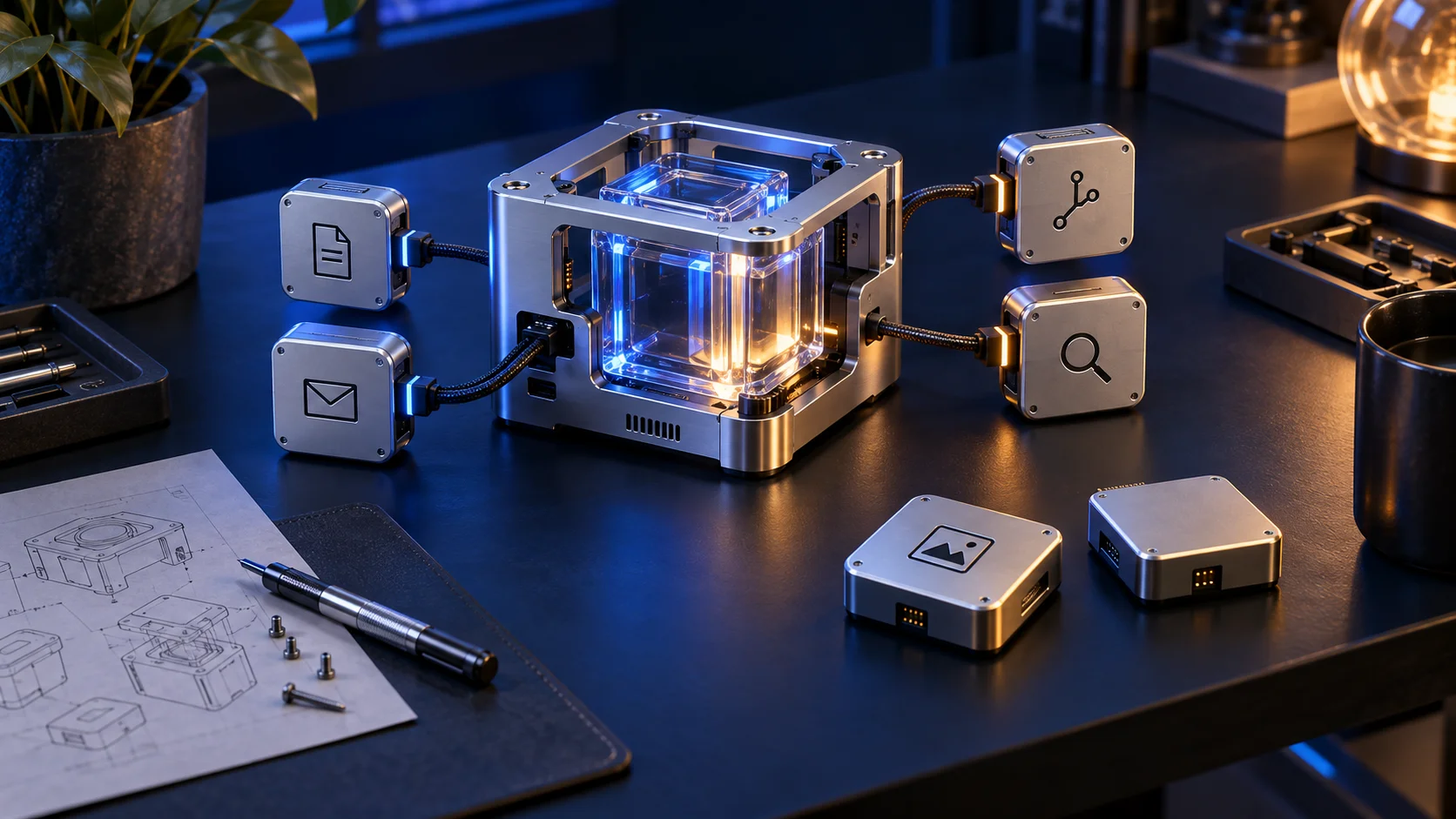
Conceptual cover: choosing an agent’s tools like assembling a personal workbench. This is not a product screenshot.
If you want a personal AI assistant in the direction of Muse or Grok Bot, with room to choose its environment, inspect the code, and adapt its tools, we also offer Leina Agent for developers and enthusiasts.
It is Leina’s open-source developer edition for personal use. A self-hosted Docker image combines the public Hermes Agent runtime with OO CLI, curated Skills, and OOMOL providers. Talk to it through the interactive CLI or configure a messaging platform.
Explore the GitHub repository. App access uses connections authorized in your OOMOL account. You can review the implementation, report issues, and contribute extensions; account permissions still need to match each task.
From Using an Assistant to Assembling Your Own
Muse, Grok Bot, and Leina Agent can be understood in the broad direction of personal assistants that use apps and carry out tasks. Leina Agent gives hands-on users an inspectable, editable foundation: choose where it runs, a model available to your account, the Skills you install, and your messaging entry point. The flexibility here concerns deployment and extension choices; this article is not a comparative feature or performance evaluation.
The developer edition uses the public Hermes runtime. Leina SaaS includes Leina’s custom organization harness, for teams and people who want a ready-to-use product. This repository focuses on personal use and excludes the SaaS organization features.
More Connections, More Useful Combinations
An effective agent needs access to your tools. OO CLI and OO Skills provide a route to services connected through OOMOL.
Our existing app-connection guide describes coverage of 1,500+ providers and 16,000+ actions. That offers many combinations of app operations. It does not mean thousands of apps are bundled in the Docker image or every account has all permissions. Check current connectors, supported actions, and account authorization for each task.
For a development weekly report, you might combine a code repository, documents, and messaging: read changes, retain sources, draft a report, then decide whether to write or send it. This is a workflow idea requiring the corresponding connections and actions.
From Personal Task to Authorized Apps
flowchart TB
  accTitle: From Personal Task to Authorized Apps
  accDescr: CLI or messaging reaches authorized services through Hermes, Skills, and OO CLI, with results returned to the user.
  A("CLI / Messaging"):::channel --> B("Hermes Agent"):::agent
  B --> C("Skills / OO CLI"):::gateway
  C --> D("OOMOL Authorized Connections"):::gateway
D --> E("Business Apps"):::resourceBundled Capabilities and Room to Extend
The repository prepares several layers for practical work:
- Runtime and entry points: Hermes core, interactive CLI, and messaging gateway.
- Models and creation: OOMOL-hosted language models, GPT Image 2 and Nano Banana image providers, and the Seedance video provider.
- Research and files: Jina Reader as the default search backend, Office/PDF processing, and public social research Skills.
- Extensions:
oo,oo-find-skills,oo-create-skill, andoo-publish-skillfor accessing capabilities and discovering, creating, or publishing Skills.
Apps supply callable operations; Skills preserve a method. Record which sources to read, how to check them, and the output format in a reusable Skill. Adding a provider or a backend with extra runtime dependencies requires changes and an image build following the development guide.
README · Dockerfile · docs/development.md
What You Host and Which Services You Use
You host the agent runtime. The default model, image, video, search, and app connections still use OOMOL-hosted capabilities. The default configuration requires an OOMOL account and API key; services retain their own usage and billing conditions.
Compose persists configuration, sessions, OO CLI login state, and workspace files in the hermes-data volume. Keep both .env and that volume private because they can contain credentials. Model and tool calls may send task content to external services. Self-hosting does not make this configuration fully offline or keep all processing on your machine.
The image pins the upstream version and exposes provider implementations, Skill assembly, and verification code for review and contributions. Distribution-specific code is MIT-licensed; Hermes and other third-party components retain their own licenses.
docs/architecture.md · compose.yaml · THIRD_PARTY_NOTICES.md
Self-Hosted and Hosted Service Boundaries
flowchart TB
  accTitle: Self-Hosted and Hosted Service Boundaries
  accDescr: The Docker agent and persistent volume are self-hosted; models, media, search, and app connections use external OOMOL services.
  subgraph LOCAL["Your Docker Environment"]
    A("Hermes / OO CLI / Skills"):::agent --- B("Persistent Data Volume"):::resource
  end
  subgraph CLOUD["OOMOL Hosted Services"]
    C("Models / Media / Search"):::resource
    D("App Connections"):::gateway
  end
  A --> C
A --> DRun Your First Task With Docker
Prepare Docker Compose, an OOMOL account, and a personal API key, then follow the repository README:
git clone https://github.com/oomol-lab/leina-agent.git
cd leina-agent
cp .env.example .env
chmod 600 .env
Fill in OO_API_KEY in .env. Keep the template’s OO_LLM_BASE_URL, OO_LLM_MODEL, and OO_LLM_API_MODE for the recommended configuration. All four variables are required at startup. Keep the populated .env out of version control.
For messaging access, run the optional setup wizard before starting the gateway:
docker compose pull
docker compose run --rm hermes hermes gateway setup
docker compose up -d
docker compose logs -f hermes
Default Compose exposes no host port and provides no web chat interface. To try the interactive terminal:
docker compose run --rm hermes hermesStart Small and Keep the Method
Start with a local file or one authorized read from an app. Check sources and output before expanding the task. For example:
Read the development notes I provide for this week. Organize completed work, risks, and next week’s plan, preserving sources. Create a Markdown draft in the workspace first; wait for my confirmation before writing it to a connected document app.
Once a task works, turn the method into a Skill. When a tool is missing, inspect and extend a provider. You can keep adapting your personal environment and bring improvements back through the contribution guide.
Start with the Leina Agent repository or its quick-start video. For a ready-to-use organization product, choose Leina SaaS.

Give Leina Your Next Task
Start with an everyday task. Assign it in team chat and get the results there.
Create Your LeinaNew users can claim a 3-day free trial
Browse Supported Integrations