



Your AI Teammate Should Have More Than One Work Account
Your team uses Slack, your clients use Teams, and your community uses Discord. One Leina instance can work across these platforms, without a separate instance purchase for each one.
A colleague sends a message in Slack. A client replies in Microsoft Teams. Someone in your community has a question on Discord. Switching between chat apps is an ordinary part of the day.
All those accounts belong to you. Where you reply depends on where the other person is. Changing apps does not make you forget the project or learn your reporting process again.
We want an AI teammate to fit into that working day too. One Leina server instance can connect to multiple supported chat platforms, so the team can reach it in Slack and work with clients through Teams.
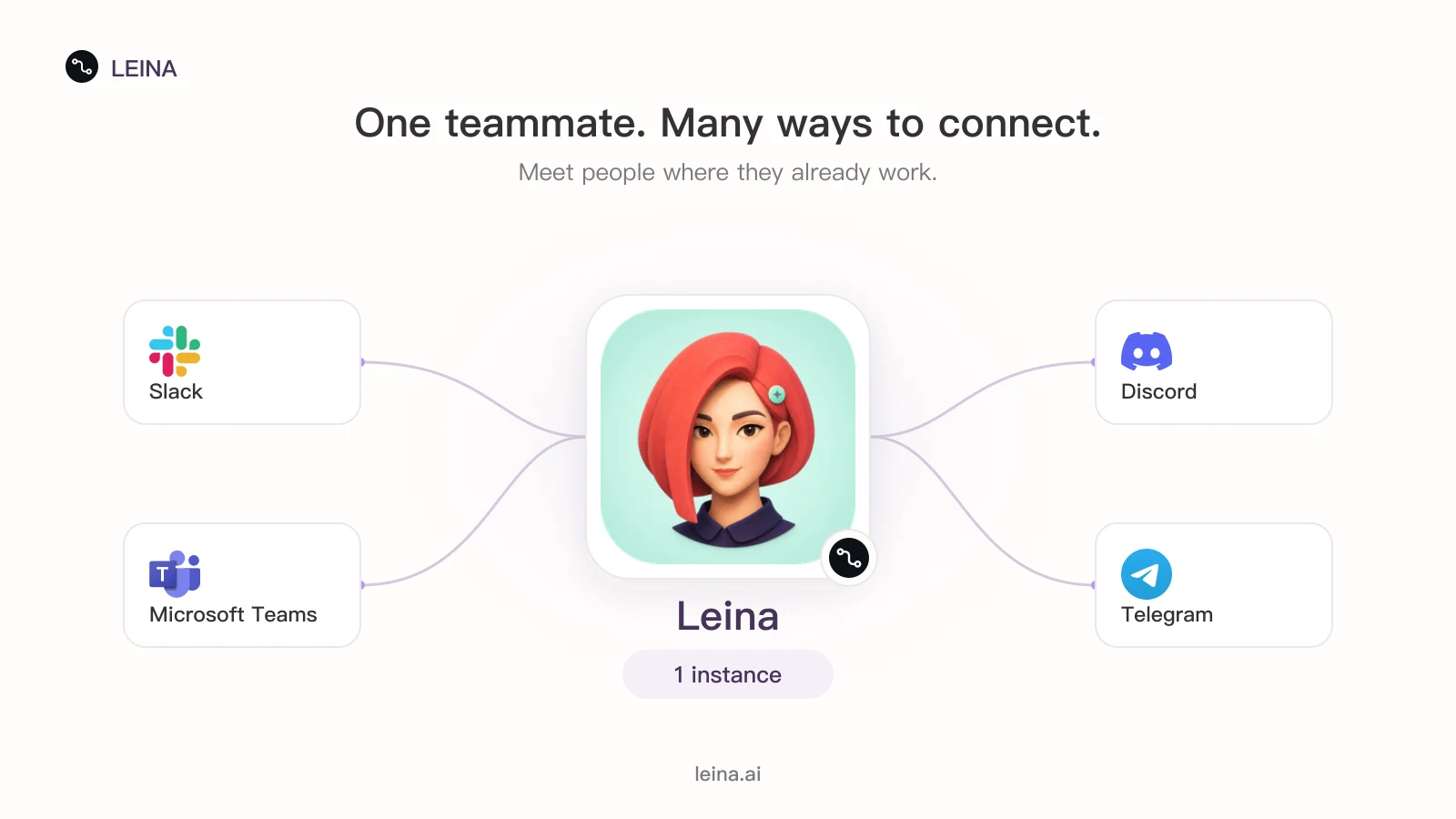
Some of the supported platforms that can connect to one Leina instance.
You Often Don’t Choose the Chat App
Your team has its reasons for using Slack. A client’s company has settled on Teams. Your community has built a home on Discord. Getting everyone onto one platform is rarely a decision you can make alone.
The same applies when introducing AI. If asking for help means copying messages into a separate window every time, people may stop bothering when work gets busy. Having the agent in a familiar conversation makes it easier to use.
Several accounts are a natural way to reach the same colleague. Leina’s accounts on different platforms can connect to the same instance.
A Different Channel Can Use the Work You’ve Already Done
Suppose you have taught Leina your weekly report format and saved the steps as a Skill. Another team wants to use it, but they work in Teams. A shared instance lets them use that method without maintaining another copy of the agent’s setup.
Project records can provide the same continuity. In Slack, ask Leina to prepare a delivery checklist from authorized project documents. In a client channel on Teams, reference the same record and ask for a progress update suitable for the client. Both tasks can draw on the same source rather than two separately maintained versions.
Sharing an instance does not automatically merge chat histories. When continuing in another conversation, give Leina the project name and relevant links. Access still depends on permissions. Existing connections and methods can be reused; the background for each task still needs to be clear.
Another Chat Platform Without Another Instance Purchase
Deploying separate agents in Slack, Teams, and Discord means considering separate instance costs and looking after three setups. When a report format or process changes, each one needs attention.
With Leina, create one instance and add the platforms you need. You do not have to buy an independent instance solely because you add a chat entry point. That saves duplicate instance spending and time spent configuring and maintaining separate agents.
A small team can start in Slack, then add Discord when its community needs access. Plan allowances and usage charges still apply; see pricing.
Supported platforms include Slack, Microsoft Teams, Discord, Telegram, Lark/Feishu, DingTalk, WeCom, and WeChat Clawbot. Before connecting, check that your current plan supports the platform and connection method. Setup differs by platform, so check the console when connecting. The chat platform guide explains how these accounts connect to an instance.
Start with the chat app you open every day. Create Leina and give it a recurring piece of work. When you need it in another platform, add another account for the same teammate.

Give Leina Your Next Task
Start with an everyday task. Assign it in team chat and get the results there.
Create Your LeinaNew users can claim a 3-day free trial
Browse Supported Integrations