
팀 AI OOMOL
Meta Muse가 주목받는 이유: 개인과 기업용 AI 에이전트에 필요한 것
Meta Muse를 출발점으로 일상 서비스와 업무 시스템을 연결해야 하는 이유, 그리고 Leina가 Memory, Apps, Skills와 권한으로 팀 업무를 지원하는 방식을 설명합니다.
팀 채팅에서 AI를 사용하고, 업무 앱을 연결하며, 데이터 접근을 관리하세요.
아직 번역되지 않은 글은 영어로 표시됩니다.
Meta Muse를 출발점으로 일상 서비스와 업무 시스템을 연결해야 하는 이유, 그리고 Leina가 Memory, Apps, Skills와 권한으로 팀 업무를 지원하는 방식을 설명합니다.

Leina 채팅에서 Jev를 직접 호출해 상품 등록, 고객 피드백, 주식·선물·금 관련 정보 정리와 브라우저 작업에 활용하는 다섯 가지 사례와 요청 예시를 살펴보세요.
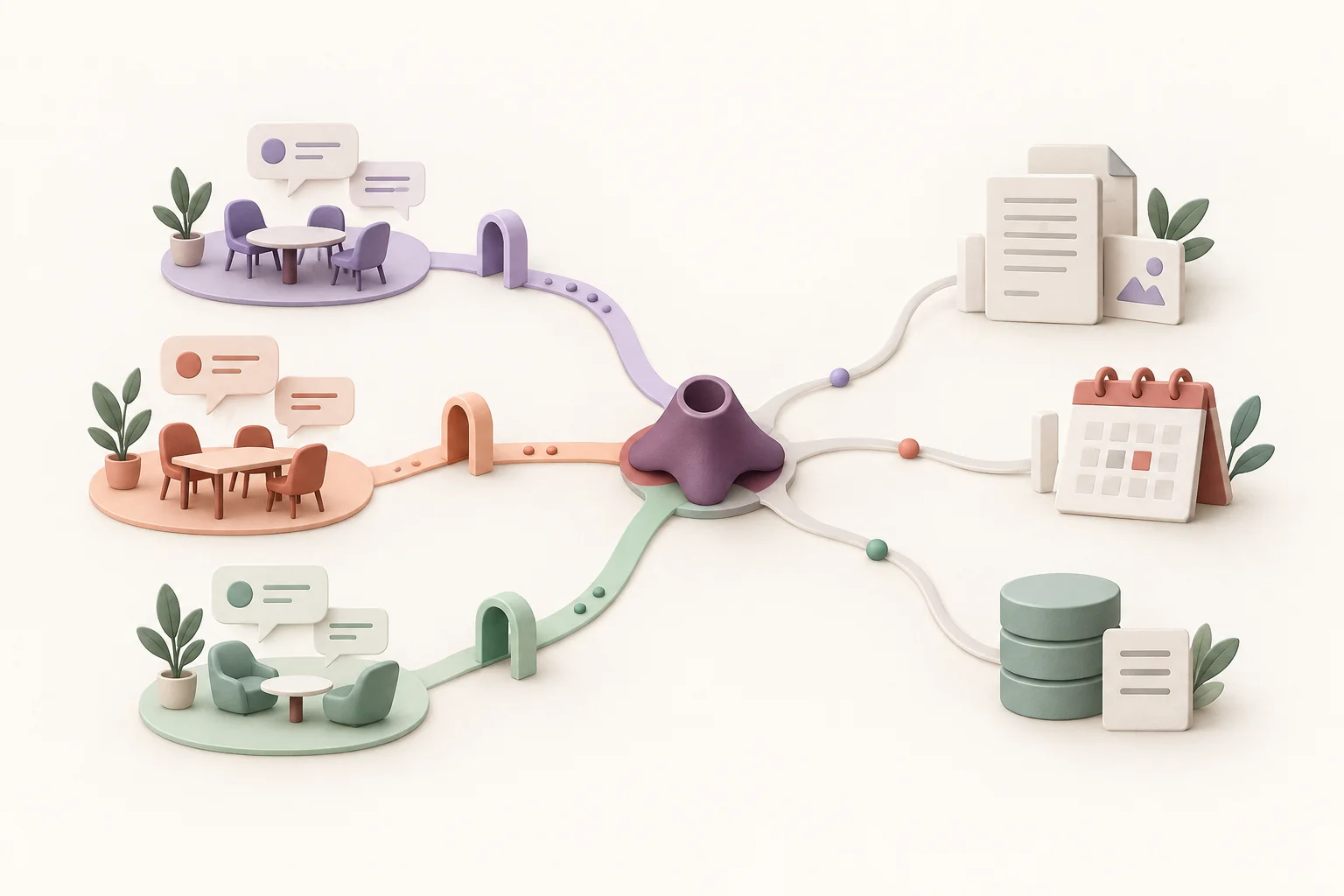
Use one Leina instance across chat platforms, connect business apps through the OpenConnector authorization gateway, and assign access permissions to members and groups.

Use one Leina instance across supported chat platforms such as WeCom and Discord. Learn how chat entry points, business-app connections, and permissions work together.

Explore Leina’s OpenConnector authorization gateway, the difference between providers, actions, and account permissions, and how to verify a connection with a read-only task.

Plan Leina team permissions around people, app connections, data, and actions. Use an example access matrix, check output audiences, and review access when responsibilities change.